New WORKFLOW
Step 1 - GET FOOTAGE
Step 2 - Convert Footage
Step 3 - Track Footage
Step 4 - Train Splat
Step 5 - Import Splat
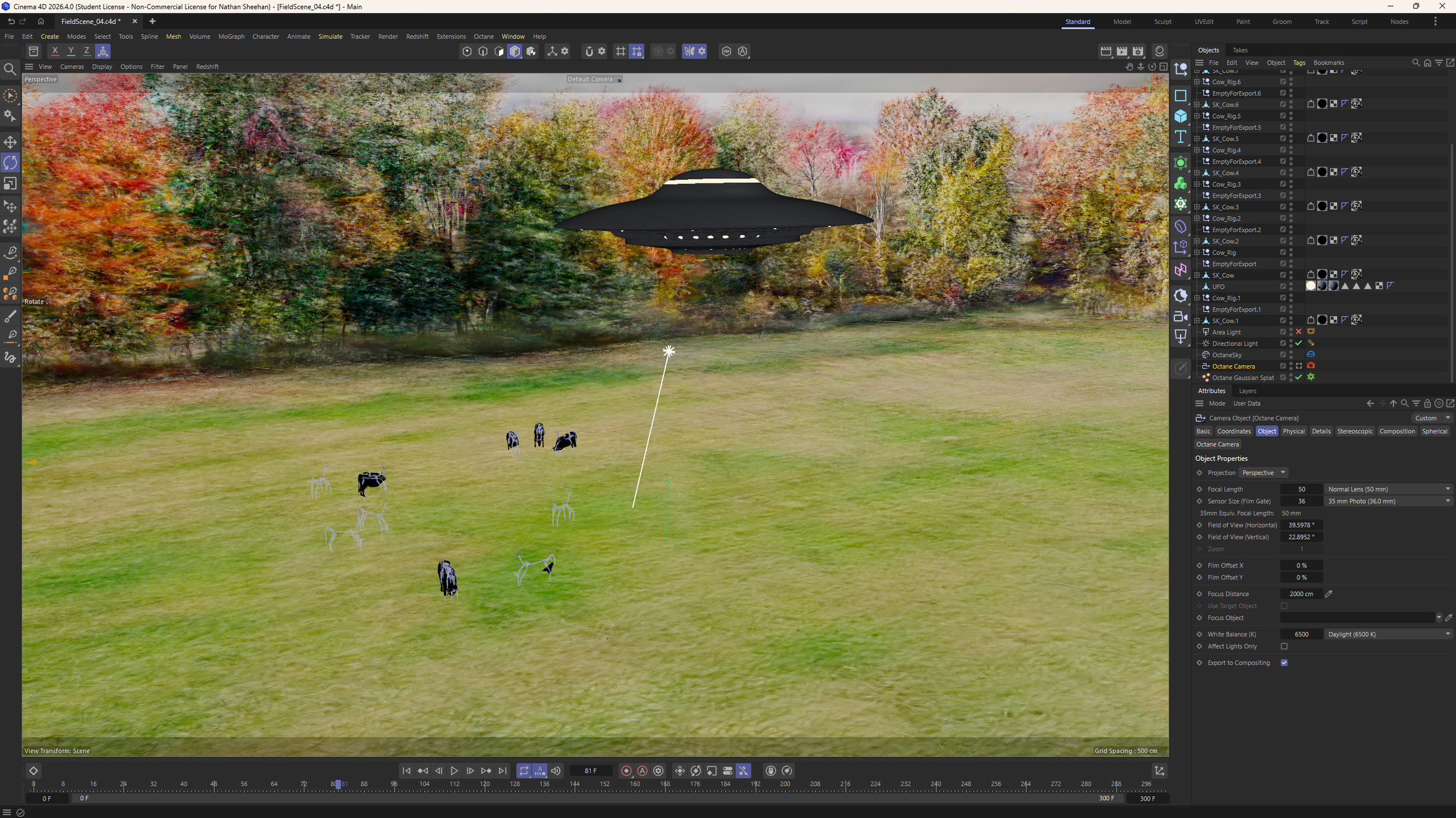
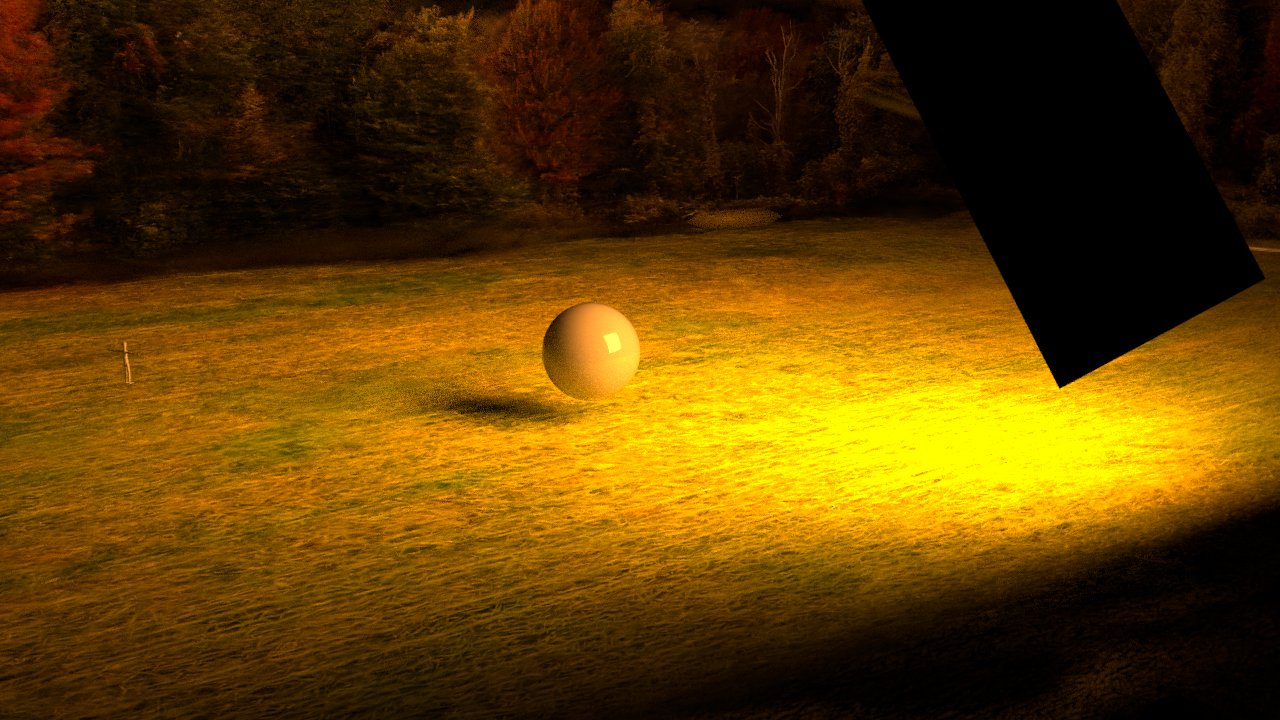
PROJECT 2 - INTEGRATING 3D OBJECTS
PROJECT 3 - VIRTUAL PRODUCTION
For my Virtual Production Class we have decided that for this semesters project we will be recreating several different movie scenes using the LED Volume.
One of the scenes that we are recreating is a scene from LUCY (2014) from the end of the movie (spoilers…) where she basically unlocks 100% of her brain and can travel through space and time. One of the places she travels to is the Cliffs of Étretat in Upper Normandy France.
In order to use the use the LED Volume as the background, the scene needs to be recreated in Unreal Engine for its real time rendering capabilities. I originally looked online for a good free 3D scan of the cliffs but I couldn’t find anything.
That’s when I realized that this would be a perfect opportunity to use 3DGS
Obviously I couldnt travel to Normandy to get my own drone footage (I wish), so I spent a few hours scouring the internet for consumer drone footage uploaded to Youtube from the exact location… I couldnt find it. But I did find good drone footage from a place 400 meters to the left so I think thats good enough.
I downloaded the footage, and because it showed a bunch of different cliffs I cut up the video to only show the part of the Cliffs that I needed.
After that, I headed to After Effects, dropped the Frame rate of the composition to 3 FPS to reduce the amount of images that I was tracking and exported that as a jpg sequence
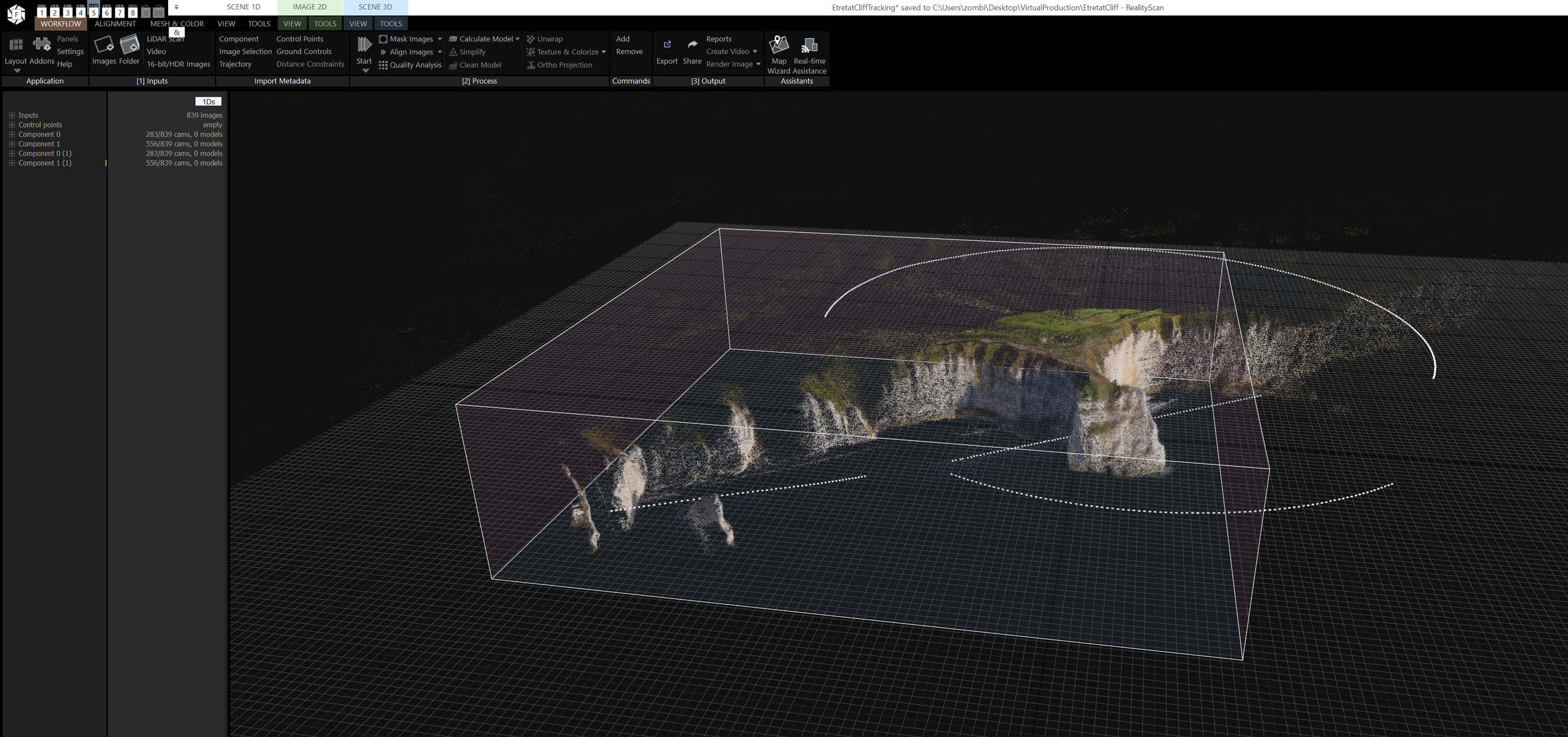
Next I tracked the Images in Reality Scan 2.2 From Epic Games— I exported the Camera Track, Point Cloud Data, and everything else needed into Postshot where I trained the Gaussian Splat. That took about 6 hours :) and I trained it to 150k steps with 5 million splats
Next I brought the Splat into Unreal Engine using the PostShot Unreal Engine Plugin. And ill save you the trouble of explaining, but then proceeded to trouble shoot for the next 3 hours getting it to work :)
Heres a super fun example of something that I would run into, but this is like one of ten problems I had to fix. Where basically the included Unreal Engine Water System would always render in front of the Cliffs no matter what I did. And I did a lot. Eventually I figured it out, but it was a lot of work.
Scene we are trying to recreate starts at 0:45
In order to get as close as possible to lighting scenario. Besides adding the cliff. I removed all the generated ocean splats because they looked bad, and added an a real time rendered Ocean included in unreal engine. In order to get the fog to work I couldn’t use the included Fog system in unreal engine and instead had to make my own Post Process Volume. Luckily I was able to use the one I used for my film last year. I created a quick pre viz of water the shot will look like when we film it on the wall, but the camera move and the character are obviously stand ins.
I would still like to clean up the scene a little bit. You can see some gaussian artifacts and I think some things like the beach could be added in with other 3D elements to make it look more realistic. Overall the gaussian splat I think will look really really good being used in the scenario on the 3D Volume. It allows unparalleled flexibility in post and allows you to recreate any scene from anywhere in the world with basically no budget. And only a $3,000,000 wall…
We should shoot the scene in the next week or two after we figure out the production side logistics so I will let you know how it goes…
Drone Footage That I Used For My 3DGS
Screenshot From My Camera Track of Cliffs of Étretat